How to Create Email Templates ? #
1. Access Email Templates: #
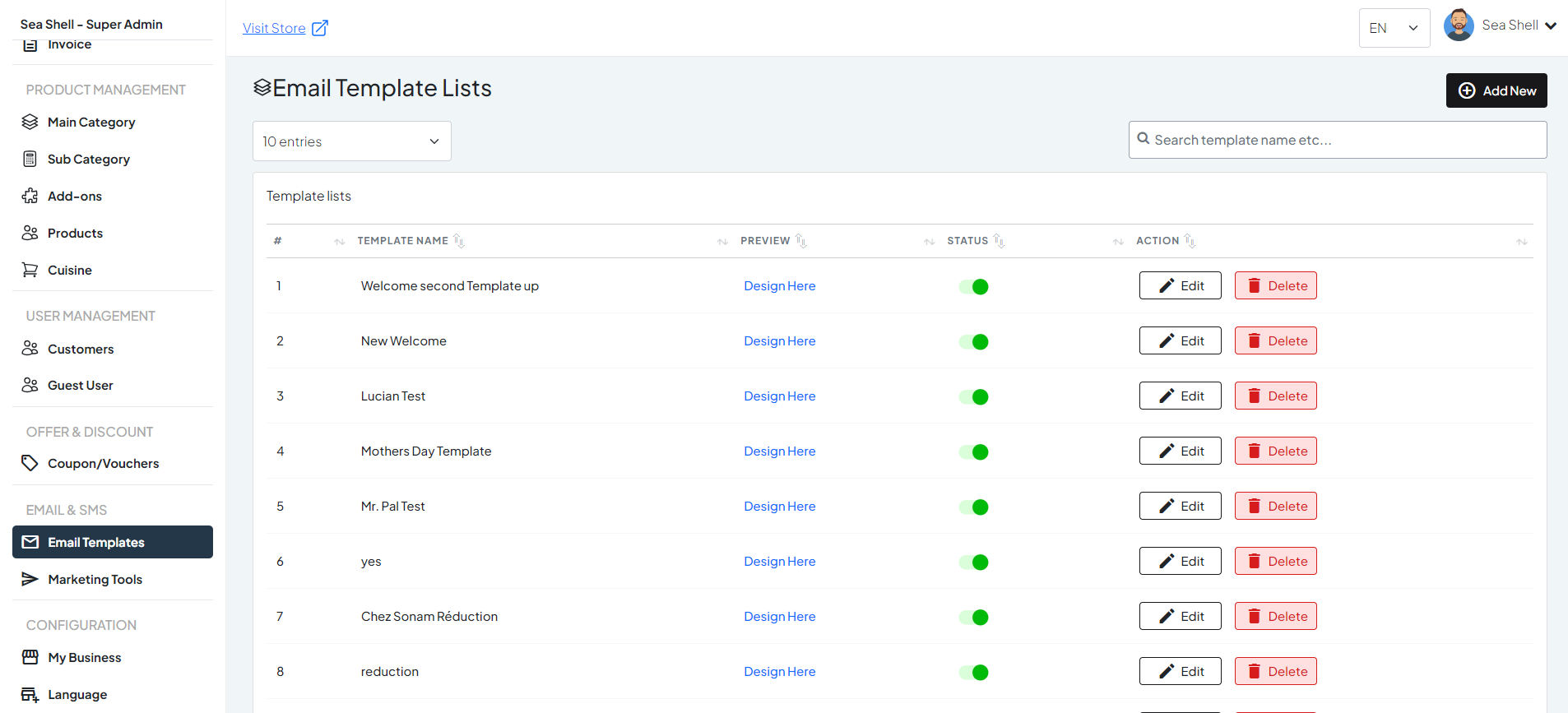
- Go to the Admin Panel.
- Navigate to Email & SMS from the menu.
- Select Email Templates.
2. Create a New Template: #
Click on Add New button to start creating a new email template.
1
Email Templates
2
Create Template
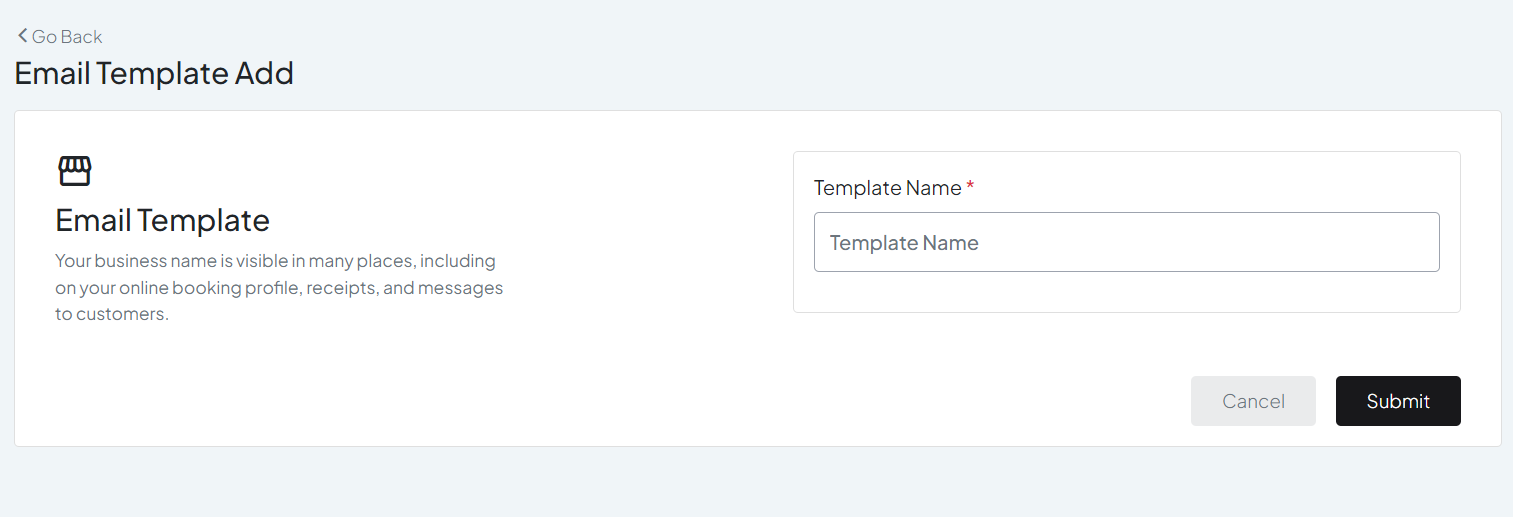
3. Enter Template Name #
Template Name: Enter a name for your email template for easy identification.
3
Add Template Name
4. Email Templates #
- After naming the template, ensure you save it by clicking on the Save button or similar option.
- The template will now be listed under Email Templates with the name you provided.
- Now look for the Design Here button . Click on it to open the email design editor.
4
Click design here
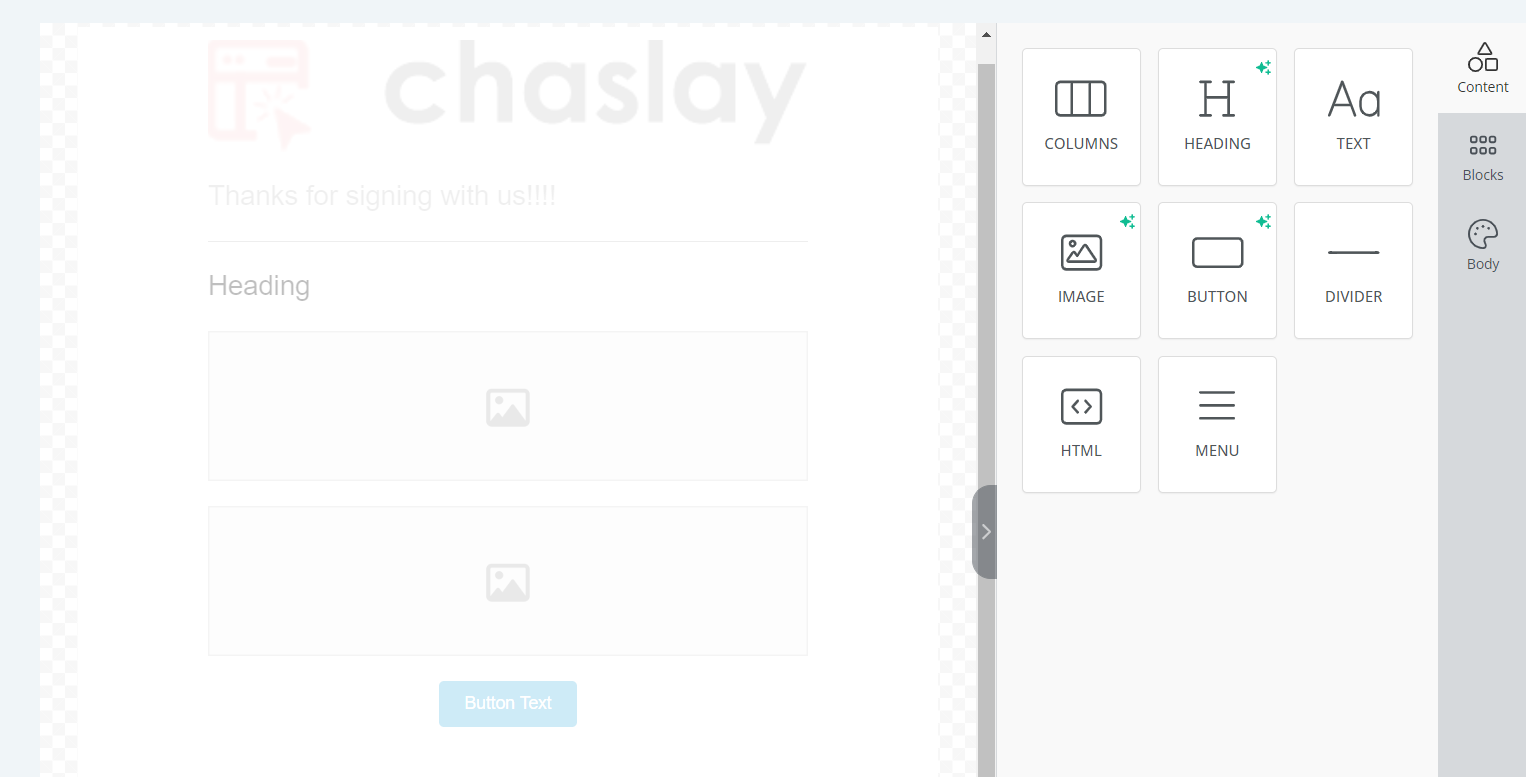
5. Design the Template: #
Use the built-in email builder to design your template. You can add various elements such as:
- Text: Add and format text as needed.
- Images: Upload and insert images.
- Buttons: Include call-to-action buttons.
5
Design your template