How to Access Marketing Tools ? #
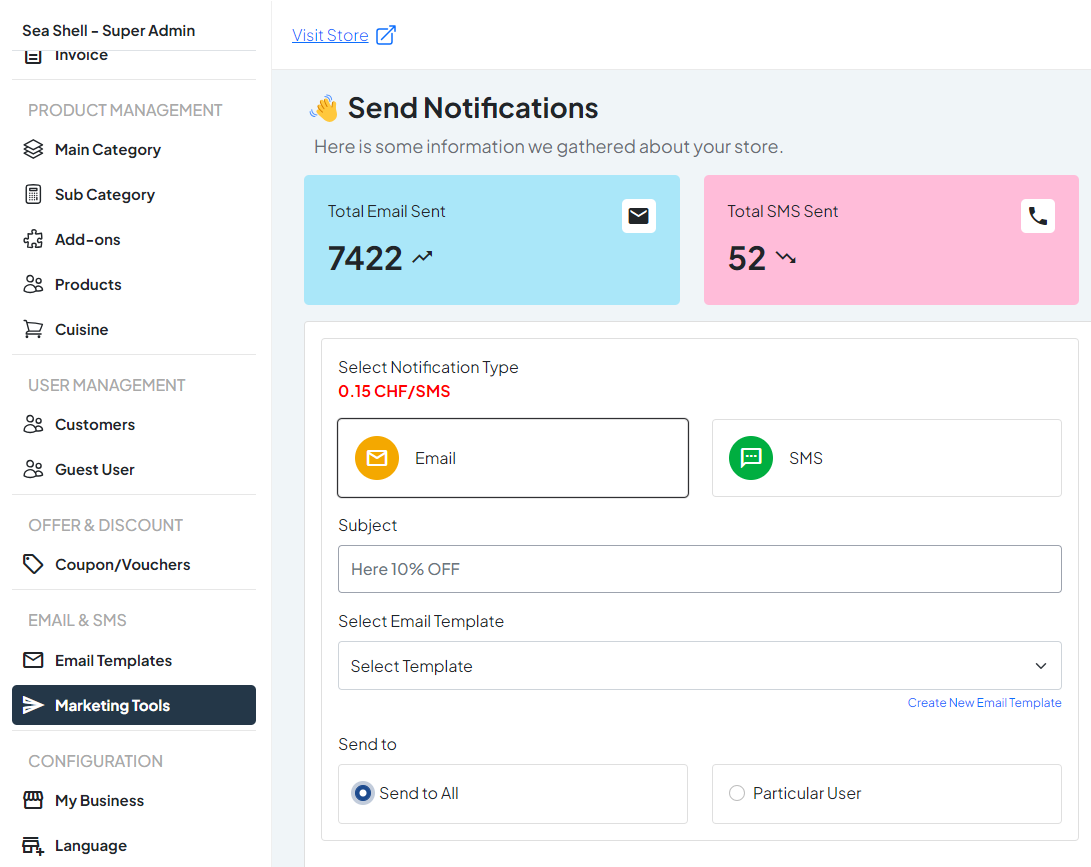
1. Navigate to Email & SMS: #
From the dashboard, go to the ‘Email & SMS’ tab.
2. Select Marketing Tools: #
In the ‘Email & SMS’ section, click on ‘Marketing Tools’ to access and manage your marketing campaigns.
Dashboard > Marketing Tools
What You Can Do in Marketing Tools ? #
In the ‘Marketing Tools’ section of the Chaslay admin panel, users can enhance their marketing efforts by utilizing various tools and features. This section allows users to:
1. Send Email Notifications: #
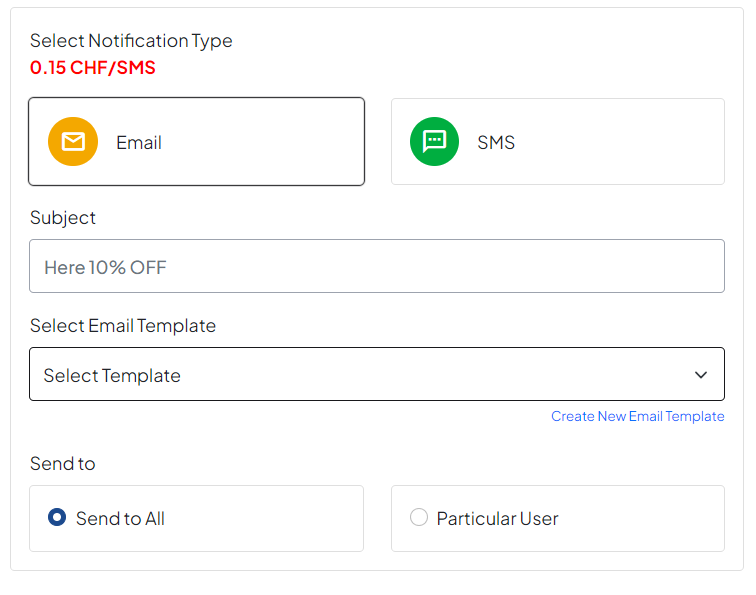
- To All Users: Send email notifications to all registered users.
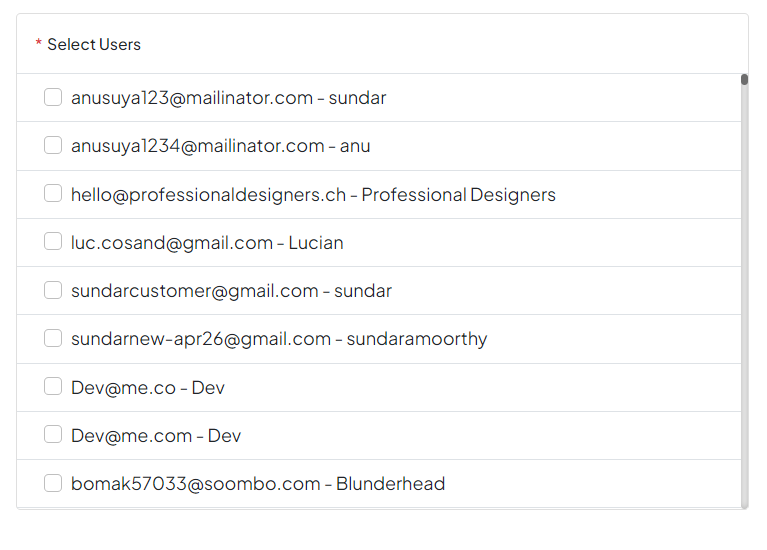
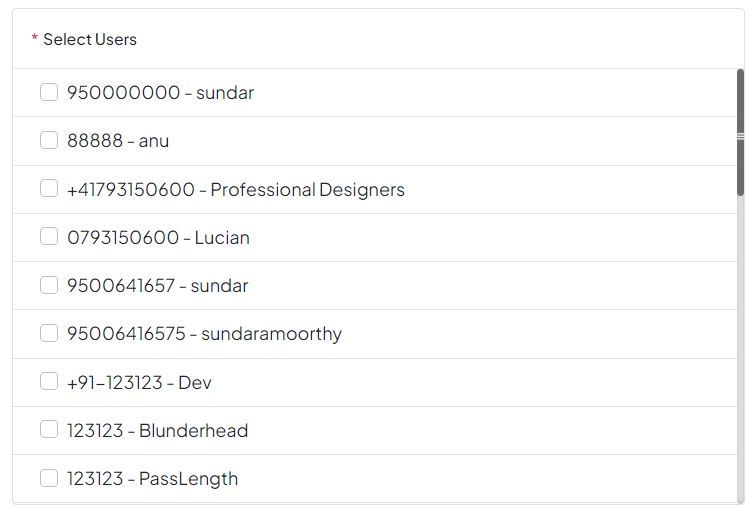
- To Specific Users: Target specific users who have previously ordered from the store.
- Select Templates: Choose from templates created using the built-in email builder.
- Customize Content: Add a subject line and customize the content of the email with text, images, and buttons.
2. Send SMS Notifications: #
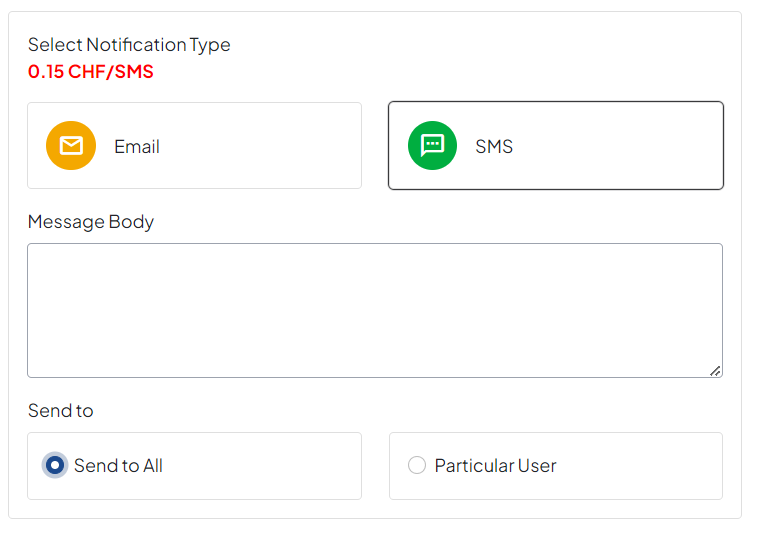
- Custom Messages: Write custom SMS messages to send to users.
- Targeted Recipients: Send SMS notifications to all users or specific users who have previously ordered from the store.