Main Category

How to Access and Modify Main Category: #

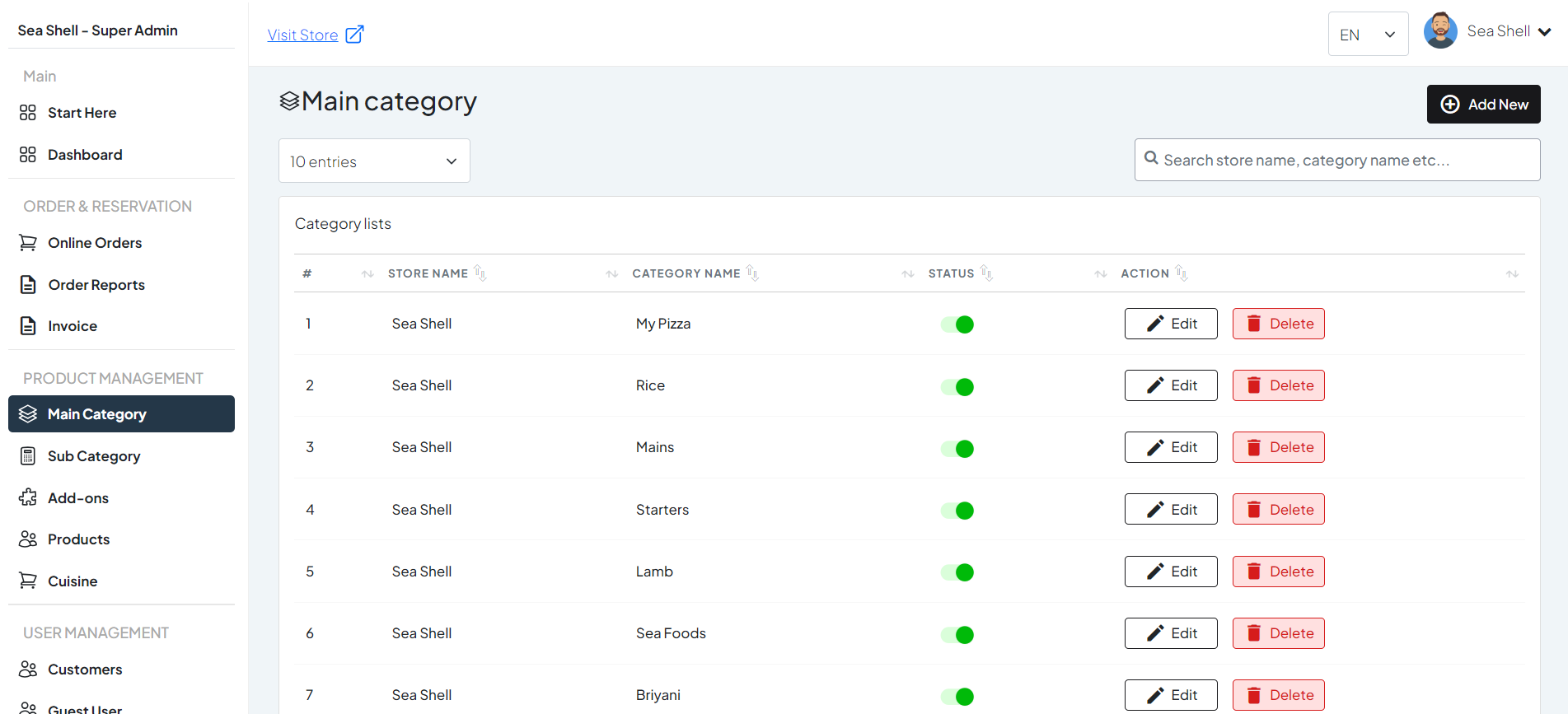
  • Click on Main Category under the Product Management section. This will directly take you to the Main category list page.
  • On the Main Category page, you will see various options such as Add new, edit or delete.
1

Dashboard > Main Category

2

Add new category

3

edit category

4

Delete category

To Add new category: #

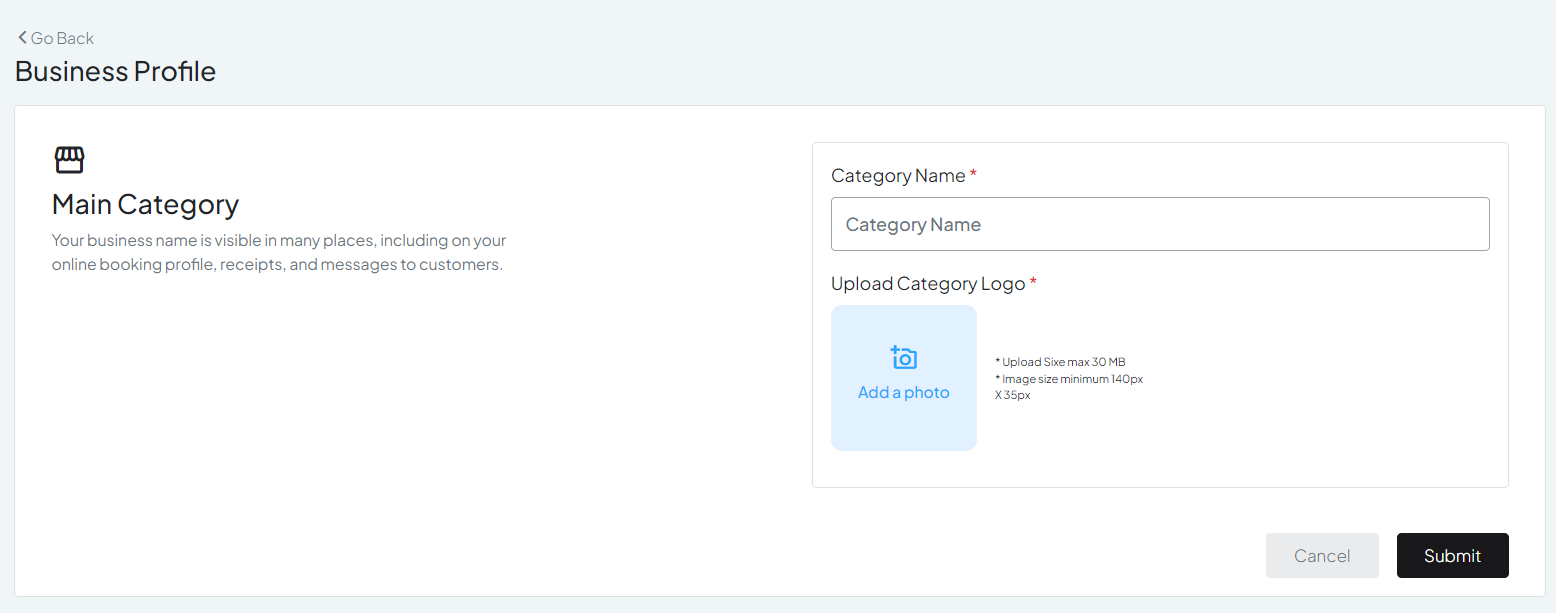
Look for an ‘Add New’ button. Click on it to create a new main category.

  • Category Name: The name of the new main category.
  • Image: Upload an image representing the category, if required.